


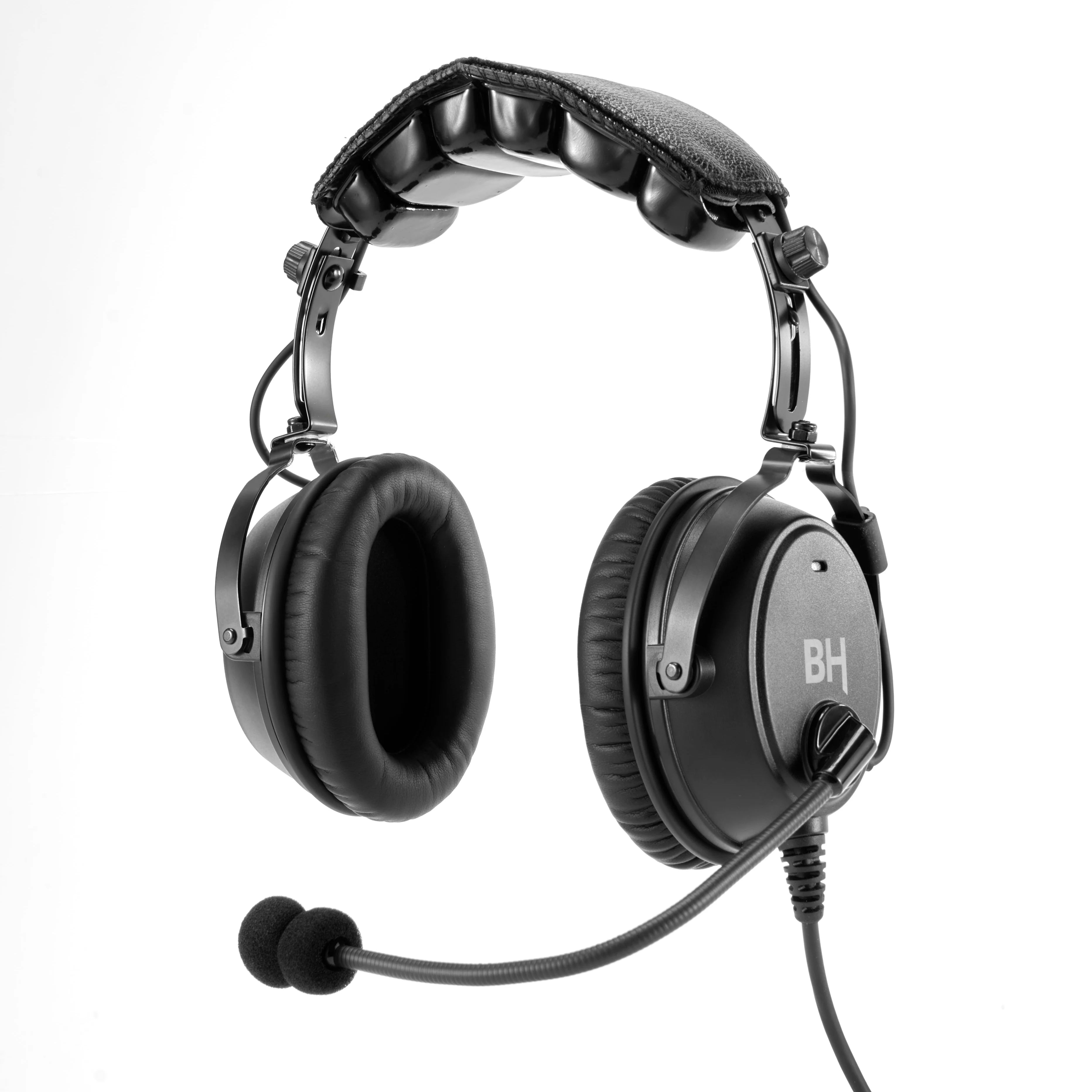
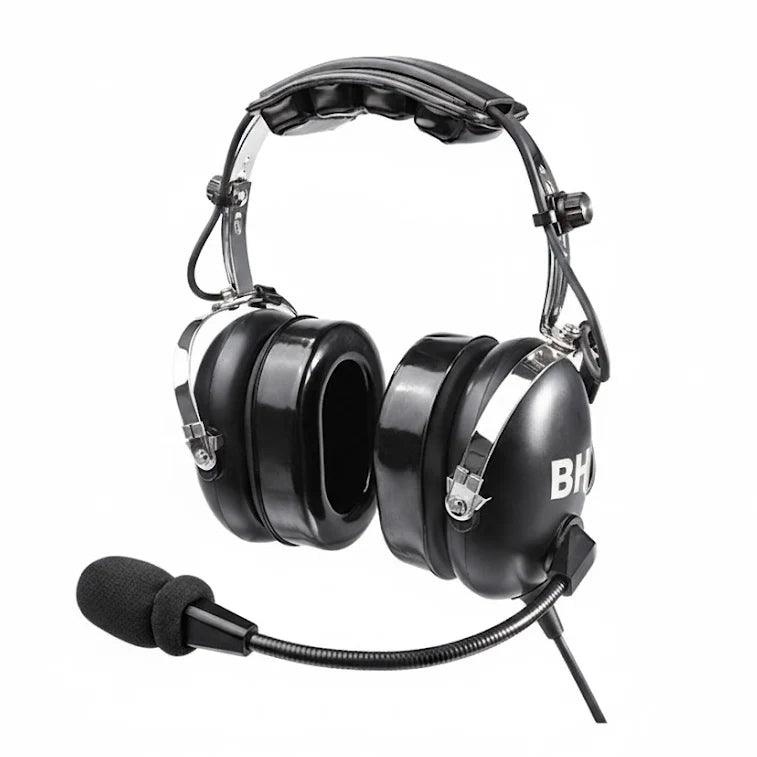


3 Bluetooth Modes on Your Alpha Headset — Are You Using the Right One?

Maximize your cockpit audio management with the BH Aviation Alpha. Learn when to use AUTO, MIX, and OFF modes for peak safety and performance.
You’ve paired your BH Aviation Alpha headset with your phone. You’re cruising at 5,500 feet on a beautiful VFR day. Your favorite playlist is keeping you company. Life is good. Then ATC calls.
What happens next depends entirely on which Bluetooth audio mode you’ve selected. Choose right, and your headset handles everything seamlessly. Choose wrong, and you might miss a critical traffic advisory.
In this guide, we break down the three modes and how to use them like a pro.
🎬 Quick Setup: Pairing Your Alpha
Before diving into the modes, ensure your headset is properly connected.
-
Power On: Hold the power button until the LED glows.
-
Pairing Mode: Press and hold the Bluetooth button until the LED flashes red/blue.
-
Connect: Select "BH Alpha" in your phone's settings.
The Mode Switch: Your Audio Command Center
On your Alpha's control module, you'll find a three-position switch: AUTO / MIX / OFF. This is your primary tool for managing distractions.
1. Default Mode — The "Safety First" Setting
Best for: Student pilots, busy airspace (Class B/C/D), and IFR flights.
-
How it works: When the headset detects any intercom or radio communication, Bluetooth audio automatically mutes. Once the transmission ends, your music resumes.
-
The Benefit: It ensures 100% radio priority without any manual effort.
-
Pro Tip: This is our recommended "set and forget" mode for 90% of flights.
2. MIX Mode — The "Cruise Mode" Experience
Best for: Long VFR cross-country flights in uncongested (Class E/G) airspace.
-
How it works: Your music and radio play simultaneously. However, when the radio becomes active, the music volume automatically "ducks" (lowers) so the transmission remains clear.
-
The Benefit: Enjoy a steady background vibe while staying aware of Flight Following or traffic calls.
3. OFF Mode — Pure Aviation, Zero Distractions
Best for: Checkrides, training flights, and emergency procedures.
-
How it works: All Bluetooth audio is blocked. Your phone remains connected for emergency calls, but no music or notifications will interrupt you.
-
The Benefit: Absolute mental focus when the mission becomes complex.
📊 At-a-Glance: Which Mode Should You Use?
| Flight Scenario | Recommended Mode | Why? |
| Pattern Work / Training | Default | High frequency of radio calls. |
| VFR Cross-Country | MIX | Ambient music with traffic awareness. |
| IFR / Busy Airspace | Default | High workload requires zero distractions. |
| Checkrides (FAA/EASA) | OFF | Zero tolerance for non-aviation audio. |
💡 Advanced Feature: Cockpit Phone Calls
The BH Aviation Alpha allows you to take calls through your boom mic.
-
To Answer: Press the Phone Button once on the module.
-
Best Practice: Only use this on the ground or during low-workload phases to coordinate with FBOs or passengers.
Frequently Asked Questions (FAQ)
Q: Does MIX mode work with Spotify and Apple Music?
A: Yes, the Alpha's hardware-level ducking works with all major streaming and podcast apps.
Q: Can I change modes with gloves on?
A: Absolutely. The tactile switch is designed for easy adjustment even in cold-weather gear.
Q: What if I lose my Bluetooth connection?
A: Your radio and intercom are hardwired and will always function, regardless of your Bluetooth status or battery life.
Final Thoughts: Fly Smart
The three Bluetooth modes on your BH Aviation Alpha are more than a feature—they are tools for better Aeronautical Decision Making (ADM). Use them to match your audio environment to your mission.
Need a quick reminder?
Quick Reference Guide: Save This for Later
Don't have the manual handy? No problem.
Save the diagram below to your phone. It covers the button layout and the 3 modes (Default, Mix, Off) so you can check it during your pre-flight inspection.

Right-click (or long-press) the image above to save it.